
Getting started in two steps
Download it
If you have an Android device, download it from the Google Play Store. If you have an iPhone or an iPad, download it from the App Store. You cannot download the app anywhere else except from these official stores.
Simply type in 'NZMCA App' in the search field. You can download and install it on multiple mobile devices (FYI: you can't download it onto a laptop, PC or iMac. There is no version for Windows phones).
Log in
You log in with the same login you have for the website: login is a current email address recorded in your membership and the password you made for it (hint: password is at least 12 characters, upper and lower case, at least one number and symbol). If you don't know your password, there's a reset link on the app itself.
Can't find the app on either the App Store or Google Play Store?
If the NZMCA App does not appear when you search for it in the App Store and since you have joined from overseas it is likely the country/region on your device is set to your home country.
For security and compliance reasons the NZMCA app is only available to devices with their country set to New Zealand. To find and download the NZMCA App you will need to temporarily change the country/region on your device. Please search online for how to do this as the steps vary depending on device.
Any questions or issues? Send an email to nzmcaapp@nzmca.org.nz
New updates
The newest update for both Android and iOS is app version 1.2.9
What's in this update?
A couple of fixes for some glitches.
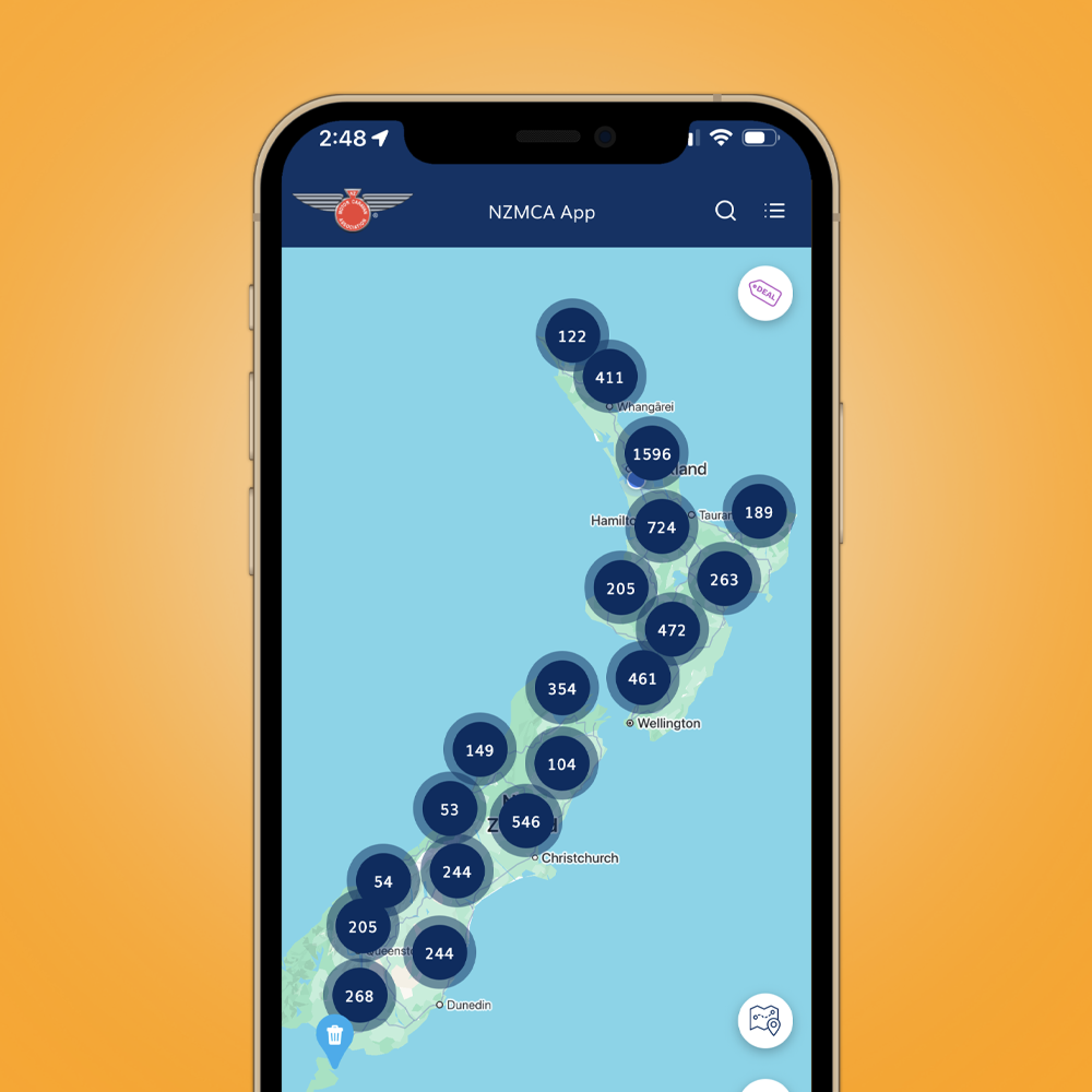
What to expect when you're logged in?
Take some time to familiarise yourself with the new app. You can't expect to navigate it if you don't familiar yourself with its sections and functionalities. Click here to get a rundown.
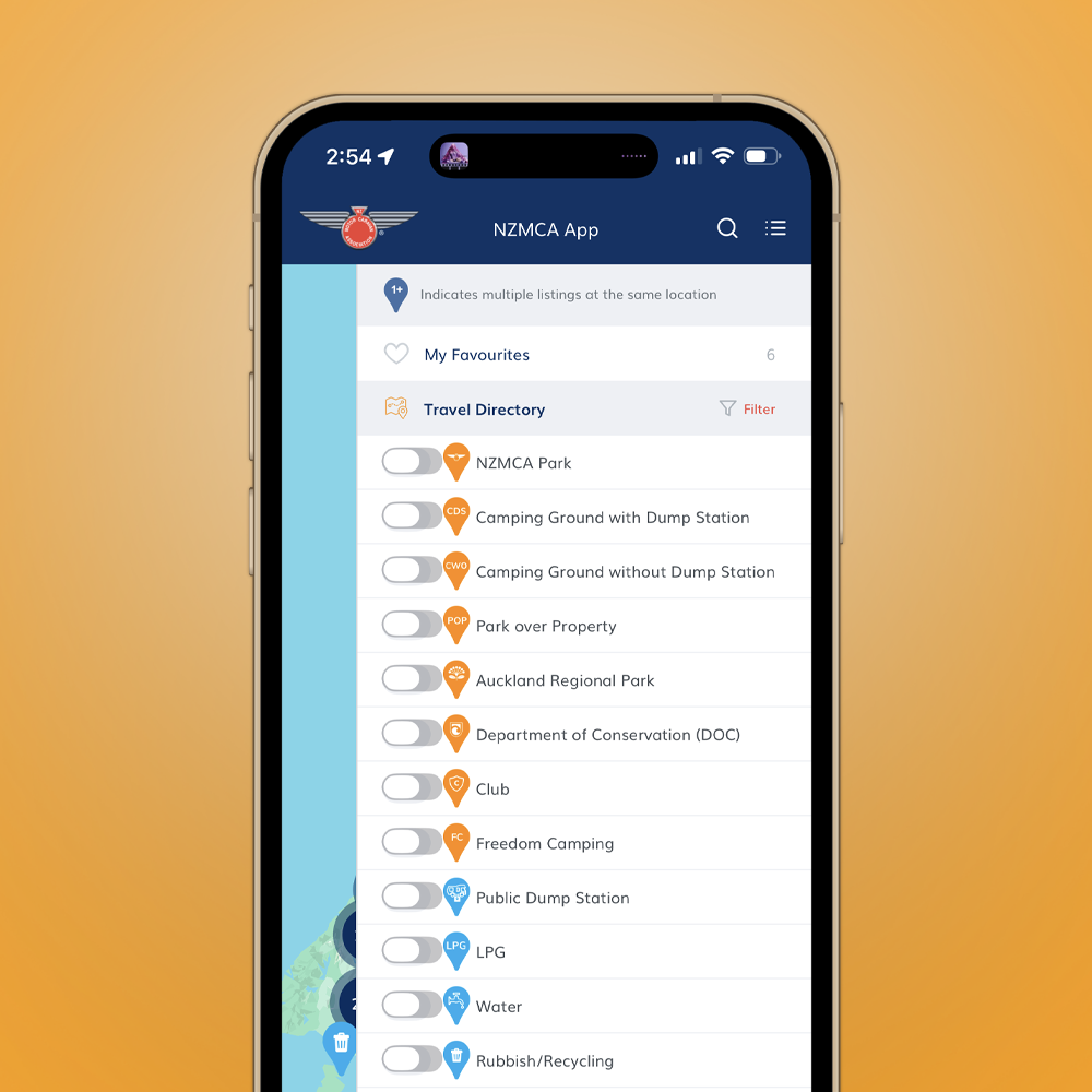
How do I use the filters?
Where do I find POPs that have a charge? How do I find pet friendly sites, or CampSaver camping grounds? Find all of them by using filters. Click here to get a rundown.
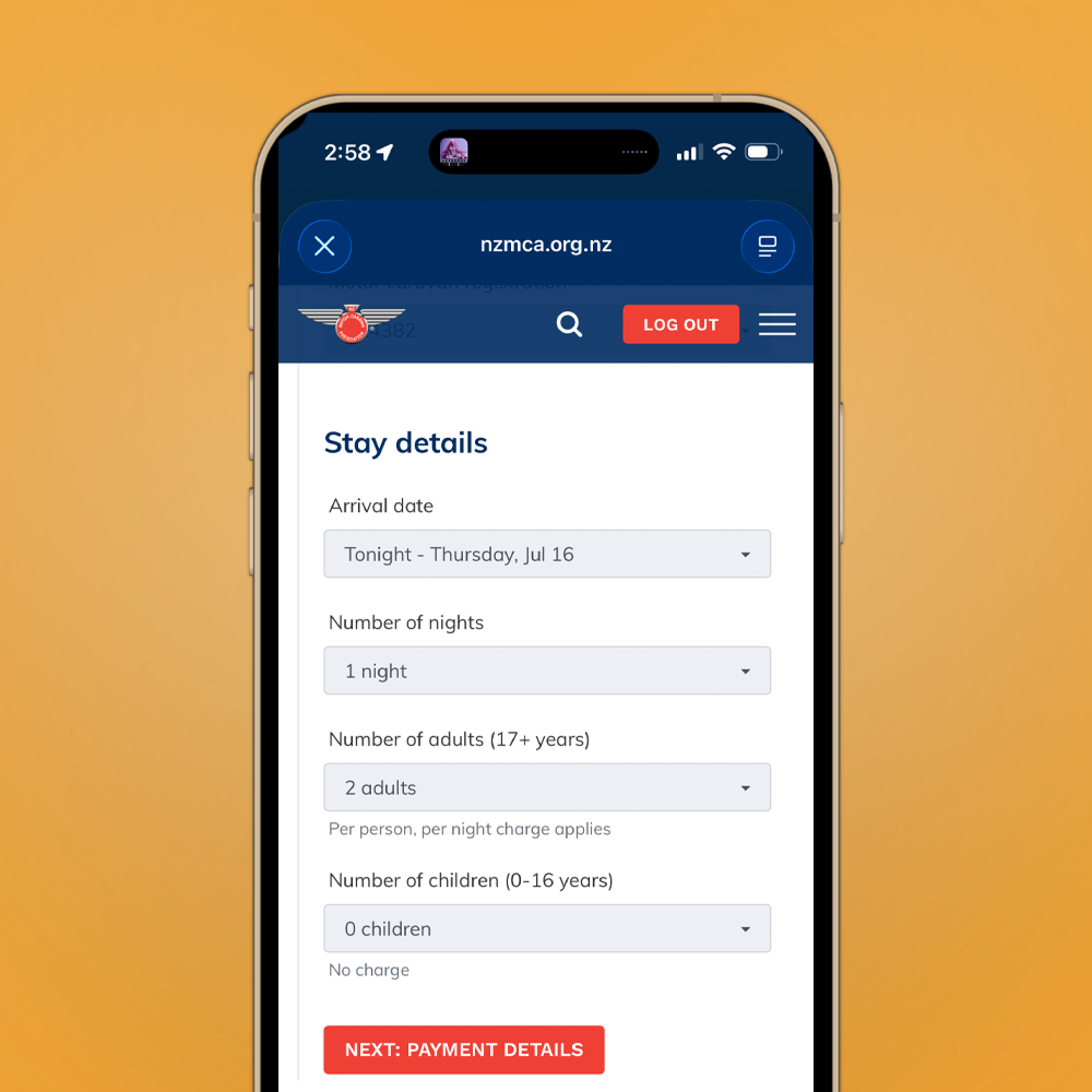
Paying your NZMCA Park fees on the NZMCA App
If you've already been paying your fees via the online Travel Directory, it would be the same process because the payment pages are one and the same. Click here to learn how.